The statistics
Drop Authenticator for Android has been downloaded over 1’000’000 times, and has a 4.3 star rating, putting it in the top 10 authenticator apps. Rated better than Google’s authenticator!
Because we made this for ourselves
Drop Authenticator is a project out of passion, not profit. We made this Authenticator because we were not satisfied with the available ones, both in terms of security and ease of use.
We also wanted to make an app that was absolutely, 100%, suitable for the biggest privacy geeks. We thought: what would it take for us, privacy geeks, to trust a random app from a random company with our security codes? The answer was simple: as a user, we always wanted to keep ownership over our own data. No vendor lock-in, not putting faith into the security skills of the server people, no secret back doors to China.
That’s why we made an app for ourselves.
- The Google Authenticator does provide a way to create backups. If you use Google’s app, and lose your phone, you need to reset all your accounts, one by one, using the recovery keys. With Drop Authenticator, you can simply restore your backup.
- There are more authenticators, but we didn’t trust them. There’s no telling where your data goes. We made our Authenticator specifically so it can’t send data anywhere. We built it without internet permission, so your Android phone will not allow our app to go online, at all.
- Using Drop Authenticator you don’t have to trust our cloud with your accounts. We don’t have a cloud and we don’t store your accounts. We don't store them on servers in the USA, not in Russia, not in China. We don't store them in Europe either. We don't store them anywhere.
- And you don’t have to trust other cloud providers with your accounts either. We encrypt your back-up using strong AES 256-bit encryption. If you store your backups in, say, Dropbox, and someone hacks your Dropbox, you are still safe, because the Drop app did the encryption. You put your eggs in multiple baskets.
Security checked by Berkeley
In 2022, the Drop Authenticator has been reviewed by security experts from Berkeley. They reached out with several findings and suggestions, and were nice enough to give specific pointers on how to improve our app.
With their help, we:
- Upgraded the encryption of the backup. Specifically using random salts for each backup, and upgrading the AES block cipher.
- We added a warning before sharing accounts, to make users aware of the risk.
- Increased the minimum password length.
The results from their research were released later, and re-evaluated and approved.
Can I Trust That score
Scanned by the AI of canitrustthat.com for security and privacy, Drop Authenticator gets a score of 92 or "very secure".
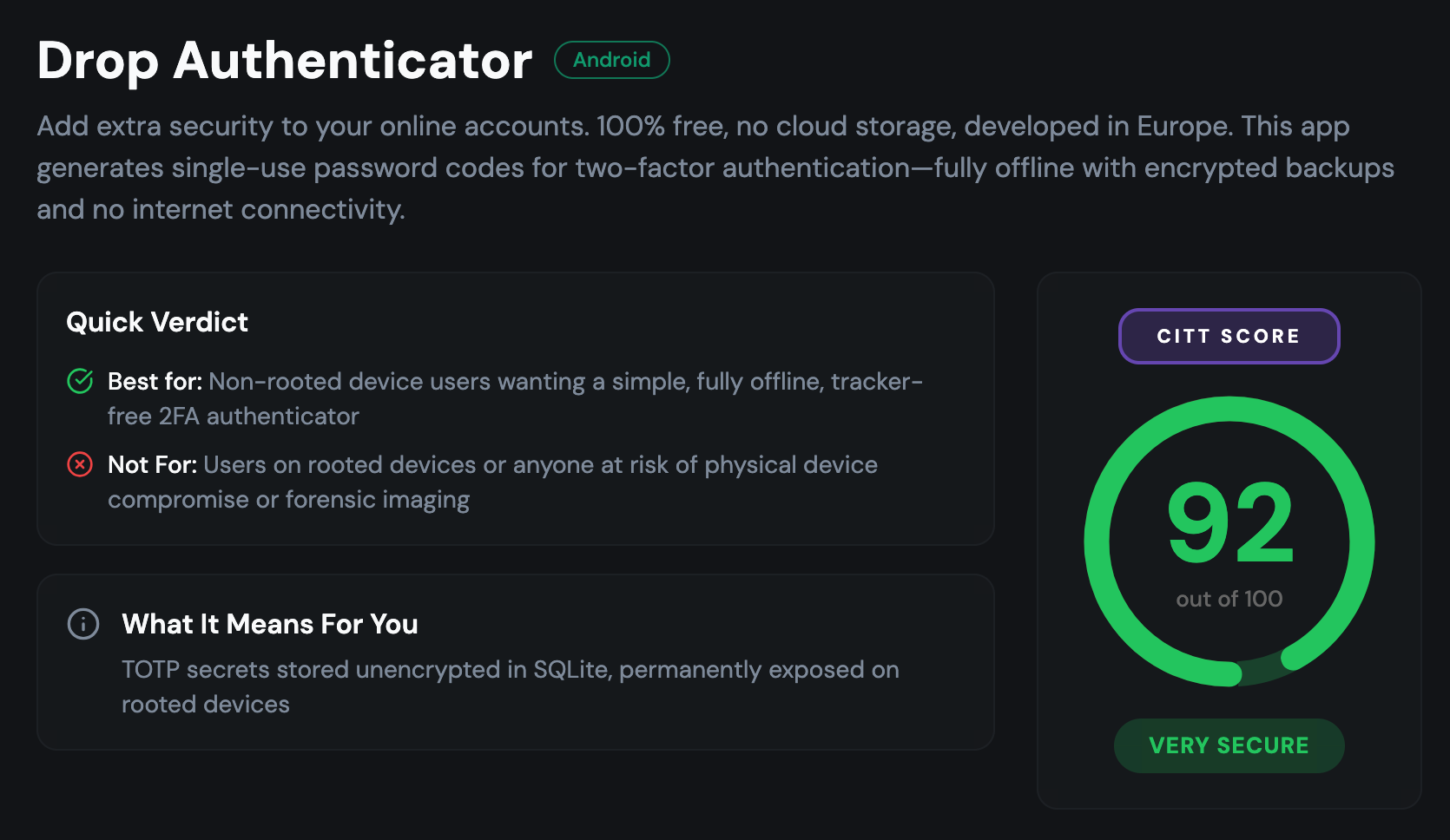

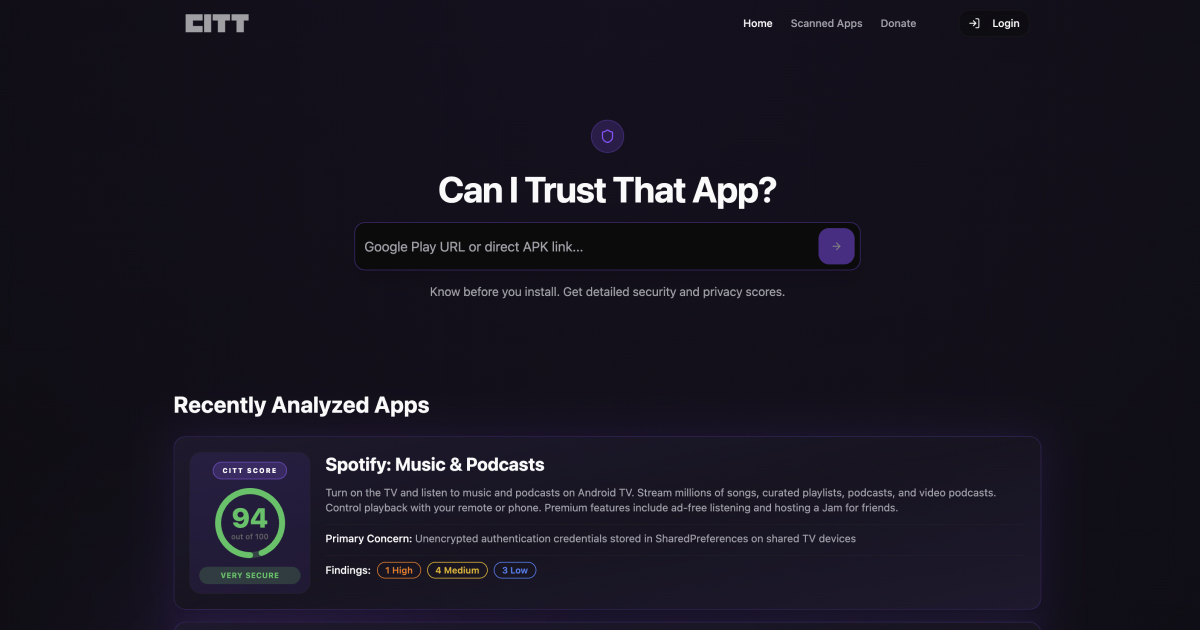
For comparison, that is on par with Proton Authenticator (92, very secure) and popular app Aegis (95), and way above Microsoft's Authenticator (48 or "UNSAFE").
The report verifies that this app has no internet permission and is incapable of sharing your information or tracking you:
Security Strengths
- ✓ADB and Android Auto Backup disabled (allowBackup=false), blocking tokens.db extraction via backup
- ✓No INTERNET permission declared — app is structurally incapable of network transmission
- ✓v2 backup encryption uses AES-256-CBC with random 32-byte salt, random 16-byte IV, and 65,536 PBKDF2-SHA256 iterations
- ✓Device credential gate (screen lock) required before token export or QR sharing
- ✓ContentProvider not exported, blocking inter-app IPC access to token database
- ✓Strict otpauth:// URI validation with MalformedTokenException on malformed input
- ✓No analytics, tracking, ad, or crash-reporting SDKs active — zero data collection
How do I know if I can trust the Drop Authenticator app?
There are many Authenticator apps out there - why should I trust the Drop Authenticator?